

Browser-based hydrology analysis for permaculture site planning — no GIS software required
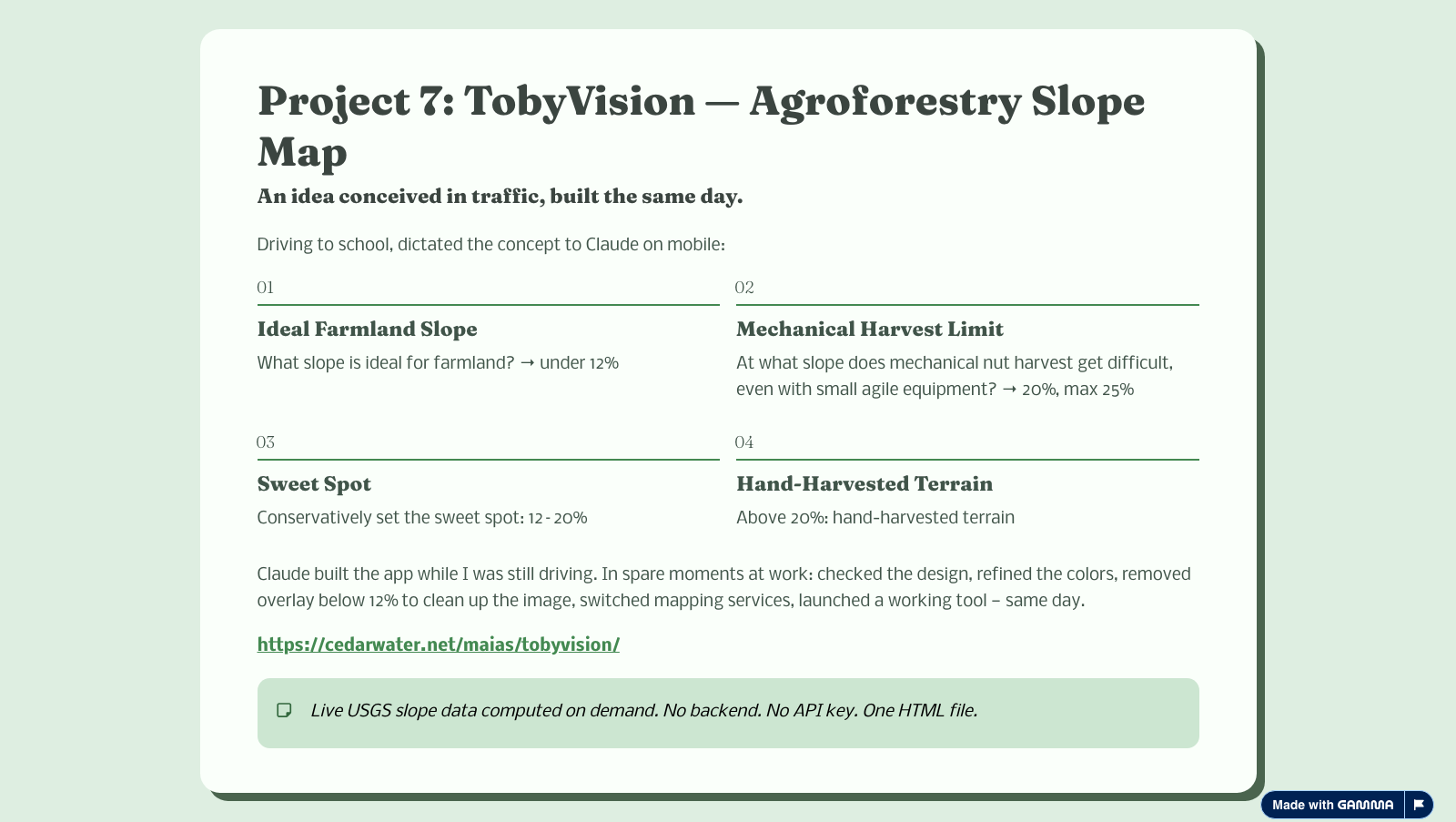
Draw a property boundary on a satellite map and click Analyze. The tool fetches real USGS 3DEP elevation data (1–10 m/pixel), then runs a full hydrology pipeline entirely in the browser — no server, no data upload, no GIS license needed.
Outputs include: ranked valley dam candidate sites with catchment area, estimated water yield, storage volume, and earthworks estimates; stream network; contour lines; the Yeomans keypoint and keyline; cultivation parallels; and swale zone identification. A ridge-biased access route connects the top three dam sites.
The analysis runs in a Web Worker so the UI stays live. Steps: Priority-Flood sink filling → D8 flow direction → flow accumulation → stream extraction → cross-section scanning for valley geometry → site scoring (yield/earthworks ratio, storage efficiency, soil score, elevation bias). Contour lines are generated with a full 16-case Marching Squares implementation with segment stitching.
The keypoint is detected as the maximum slope inflection on the main channel — the classic Yeomans definition. The keyline is the contour traced at that elevation. Cultivation parallels run above and below it at user-defined intervals.
The Bull Ring Rd demo is pre-loaded with the ~54-acre boundary of Cliff & Stephanie's chestnut, hickory, and persimmon planting near Shawnee Peak. Click Analyze to see the full water design analysis for the property.
The general-purpose tool lives at cedarwater.net/maias/tobyvision/keyline.html — draw any US property boundary to analyze it.
NHD (National Hydrography Dataset) stream overlay for cross-checking computed results against USGS-mapped waterways. SSURGO soil data integration for real permeability scoring. PRISM rainfall normals for accurate yield estimates. Adjustable wall height with live recompute. Saddle dam and swale linkage siting.
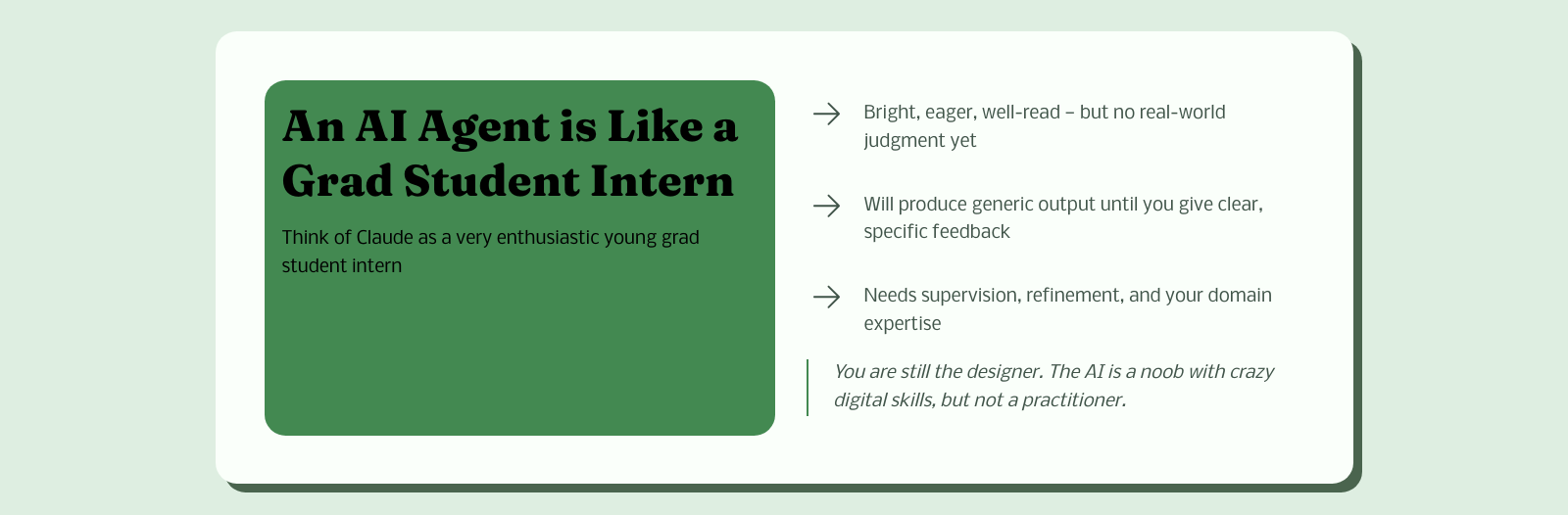
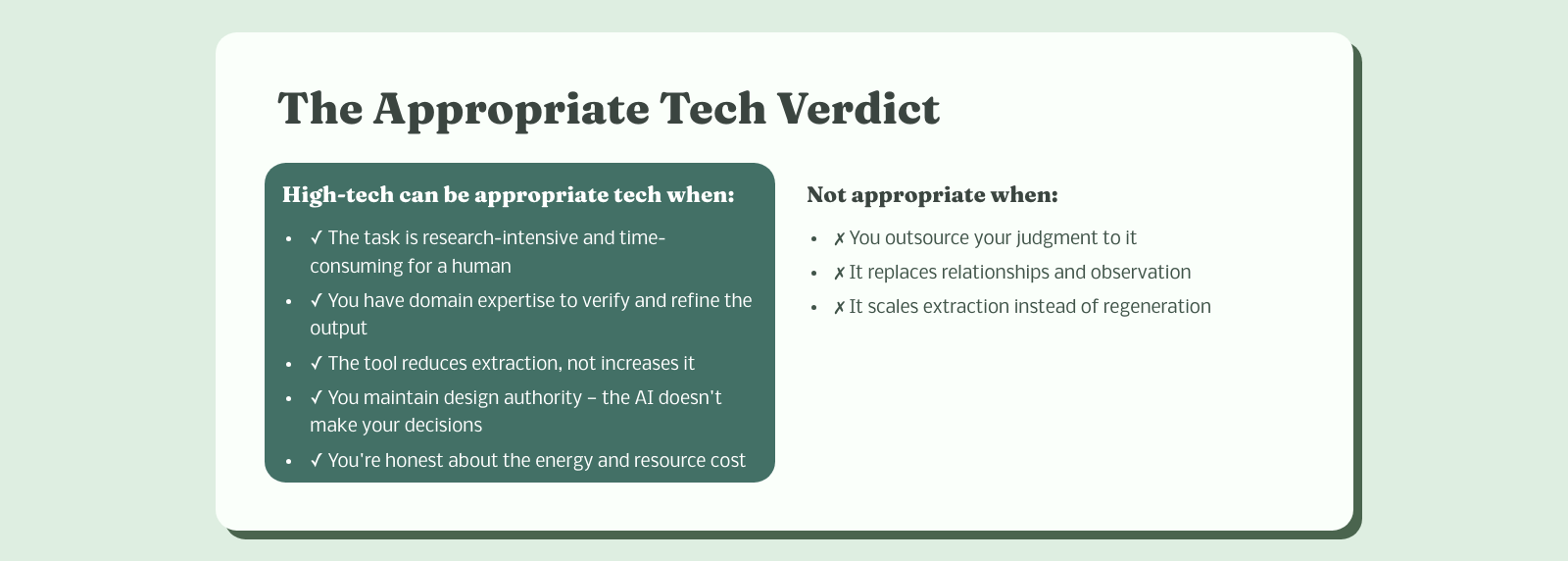
How to build with AI without losing the design chair
Why personal information and professional AI don't mix
Two tools I recommend for new users — pick based on what you want to do